RydIQ Stitch. Glue your chapter files into one ride.
Your action cam splits an hour-long ride into ten chapter files. Stitch joins them into a single mp4, lossless, fast, and pushes straight to your RydIQ account when it’s done.
v0.1.2 · free · macOS 11+ · Windows 10+
Stitch isn’t code-signed yet, so your machine will warn you the first time you open it. The app isn’t damaged, it just hasn’t been through Apple’s or Microsoft’s paid notarization. Steps to get past it are just below.
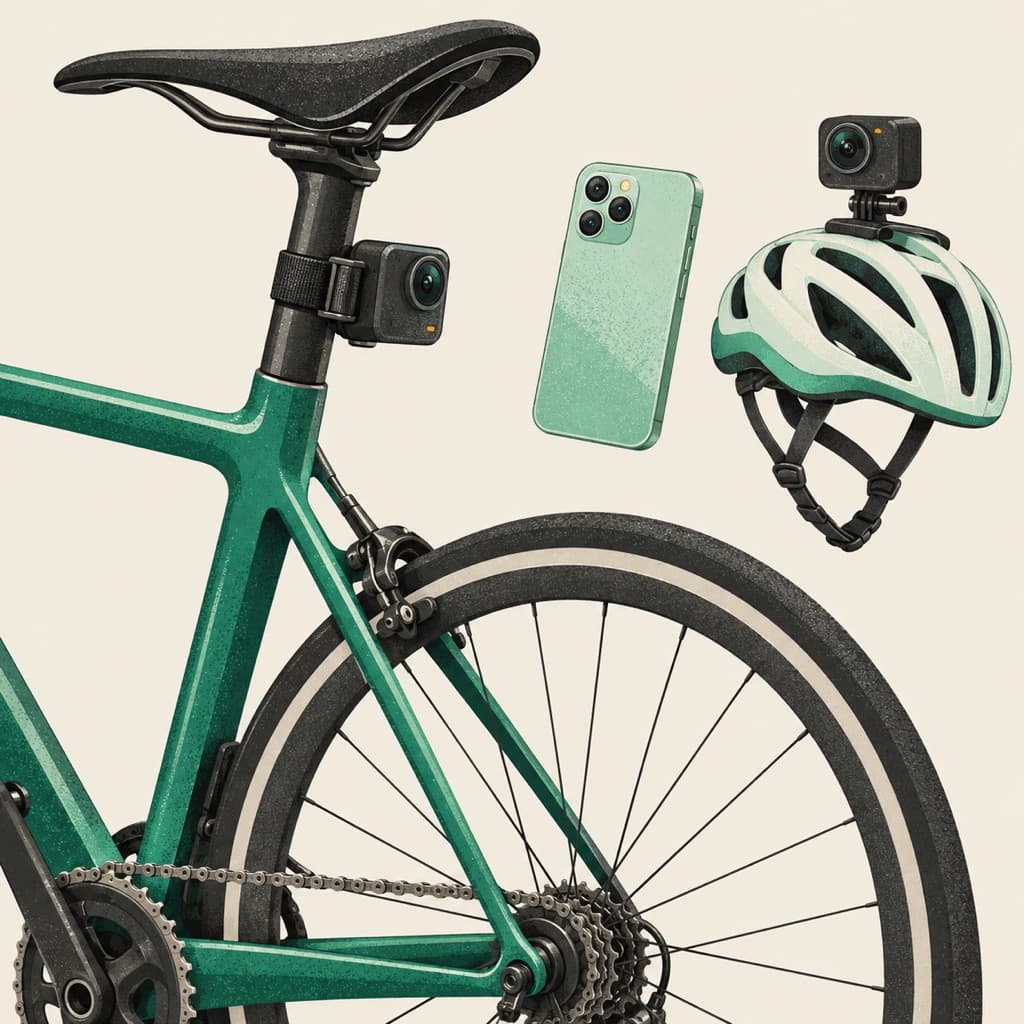
Action cams record in chapters. Reports want a single ride.
GoPro, Insta360, Akaso, most dashcams, they all split long recordings into 4 GB chunks. A 90-minute commute lands on your SD card as eight separate files with names like GH010042.MP4, GH020042.MP4, and so on.
Stitch joins them into one mp4 the way the camera intended, without re-encoding, without losing a single frame, and in seconds rather than minutes.
It’s step one of every measurement: the models can only measure a pass they can see, so the whole ride goes up in one piece.
- Lossless
- Your clips join into one continuous video with no loss of image quality. The original footage stays intact.
- Fast
- Joining eight 4 GB files takes seconds, not minutes. The bottleneck is your disk, not your CPU.
- Cameras supported
- GoPro (.mp4, .lrv), Insta360, Akaso, Cycliq, generic dashcams (.mts, .m2ts, .ts), and anything that exports .mp4/.mov/.m4v.
- Direct upload
- Sign in once. Stitched rides push straight to your RydIQ dashboard for analysis when the join finishes.
Three panels. No menus.
Pick the card
Stitch shows every mounted drive, your system disk, the SD card, USB sticks. Click the one with your ride on it.
Add the chapters
Browse to the folder, click each chapter to add it to the queue, or hit 'Add all videos'. Reorder with ↑/↓ if needed.
Stitch & upload
Pick an output path, hit Stitch, watch a real progress bar. When it's done, one click pushes the ride to RydIQ.
Getting past the first warning.
Notarizing a desktop app means paying Apple and Microsoft for the privilege of not being shouted at. We’d rather ship Stitch to you now and buy the certificates once it’s earning its keep.
You only have to do this once per install. After the first open, Stitch launches like any other app.
Right-click, then Open
Double-clicking a downloaded unsigned app shows a dead-end warning. Right-click (or Control-click) the app in Applications and choose Open instead: the same warning appears with an Open button that actually works.
If it still says the app is damaged
That should no longer happen from 0.1.2 onward — an earlier build shipped with a signature that did not match the app, which macOS refuses outright. If you are on an older copy, delete it and download again. Clearing the quarantine flag also works:
xattr -cr "/Applications/Rydiq Stitch.app"More info, then Run anyway
SmartScreen shows a blue 'Windows protected your PC' box. Click 'More info', then 'Run anyway'. The publisher shows as unknown because the installer isn't signed.
Anything your camera already records.
Stitch reads the formats action cams and dashcams natively produce, no conversion step required. Chapters from the same recording session always share codec and format, which is exactly what lossless concat needs.
- .mp4
- .mov
- .m4v
- .mts
- .m2ts
- .ts
- .lrv
⚠ If your inputs have mixed codecs (e.g. one chapter is H.264 and another is HEVC), Stitch fails loudly rather than silently producing a broken file. That’s by design.
Free, forever. Built for the road.
v0.1.2 · macOS 11+ · Windows 10+ · Linux build on request